
Platform UpdateSecure career document workflow completed
The secure career document workflow is complete: applicants now upload CVs and supporting documents straight into private recruitment storage.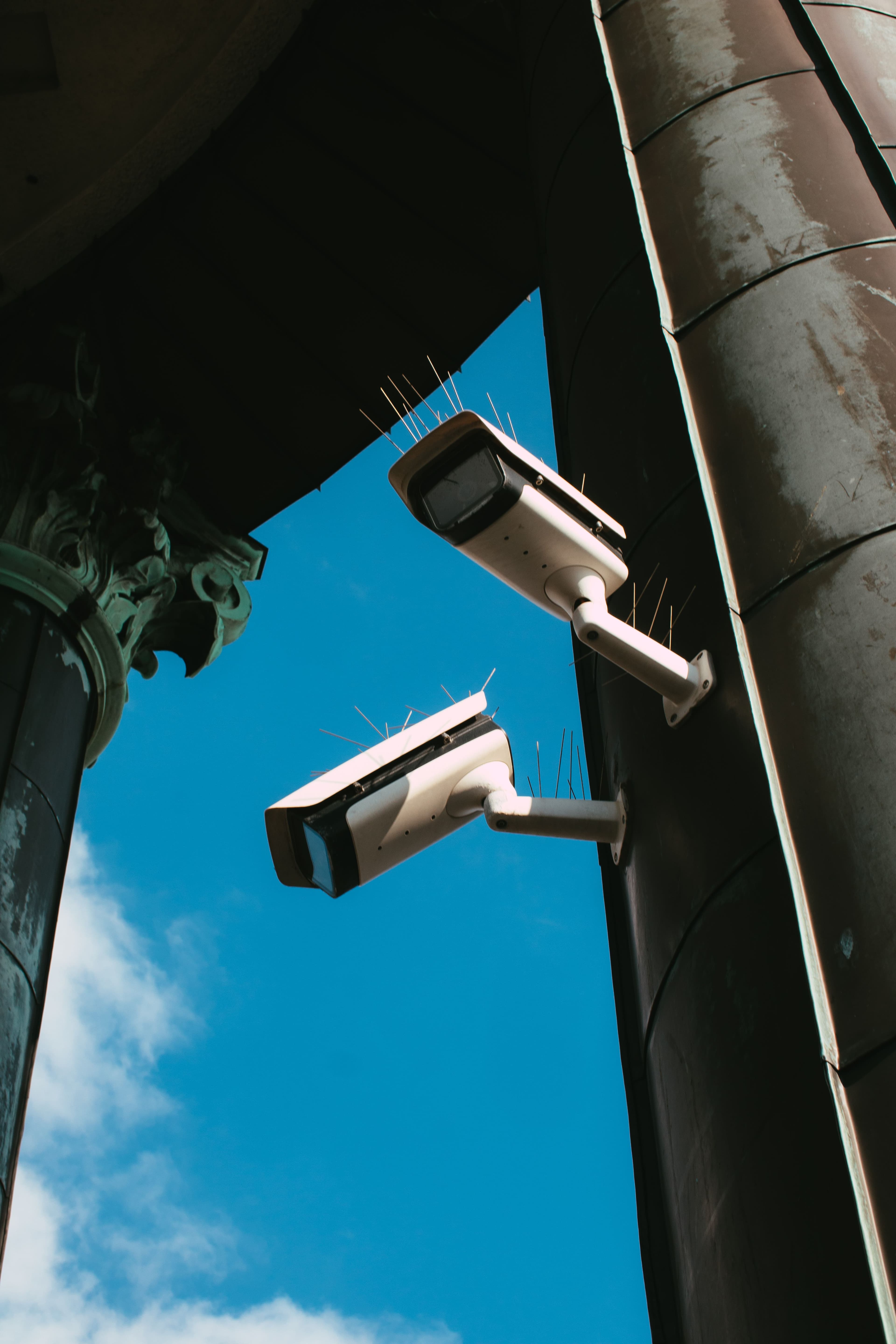
ADA has completed the first secure document workflow inside its public recruitment system.
How the secure career document workflow works
Employment applicants can attach PDF, DOC and DOCX files directly to their application. The files go into a private storage bucket with a 10 MB limit per file, so they cannot be opened through ordinary public addresses.
When an authorised administrator reviews an application, ADA Core creates a temporary signed link for the requested file. The link expires after a short time. Moreover, the database only allows access after the administrator has completed two-step sign-in.
What it replaces
Previously, applicants had to share external links to their documents. Now, they upload files once, and ADA controls who can see them and for how long.
What applicants should know
Before you upload a CV, check that it is a PDF, DOC or DOCX file under 10 MB. Then submit it with your application on the careers page. If you want to know how long ADA keeps applicant information, the privacy policy explains it.
This workflow follows the same approach as the wider security-first admin platform. For background on secure file handling, see the OWASP file upload guidance.
Common questions
Which files can I upload? PDF, DOC and DOCX files, up to 10 MB each. Who can open my file? Only an authorised administrator who has completed two-step sign-in, using a temporary link that expires after a short time.
Does this replace the application form? No. The documents are attached to a structured application on the careers page. If you have questions about how your information is handled, read the privacy policy or contact ADA.